
Where does configured store flow become queue pressure—and when can teams respond?
Queue pressure is often visible only after waiting has already spread. In a controlled pilot, supported views can keep entrance load, configured zone demand, service-counter coverage, and checkout waiting in one operating context.
First, we verify which camera views can reliably support each entrance, aisle, category, campaign zone, service point, and checkout area.
Evidence boundaryCameras can describe anonymous movement, dwell, queue, waiting, physical continuation, and role-level coverage. Basket, SKU, stock, sale, revenue, shelf availability, planogram compliance, and planned staffing require the relevant connected system.
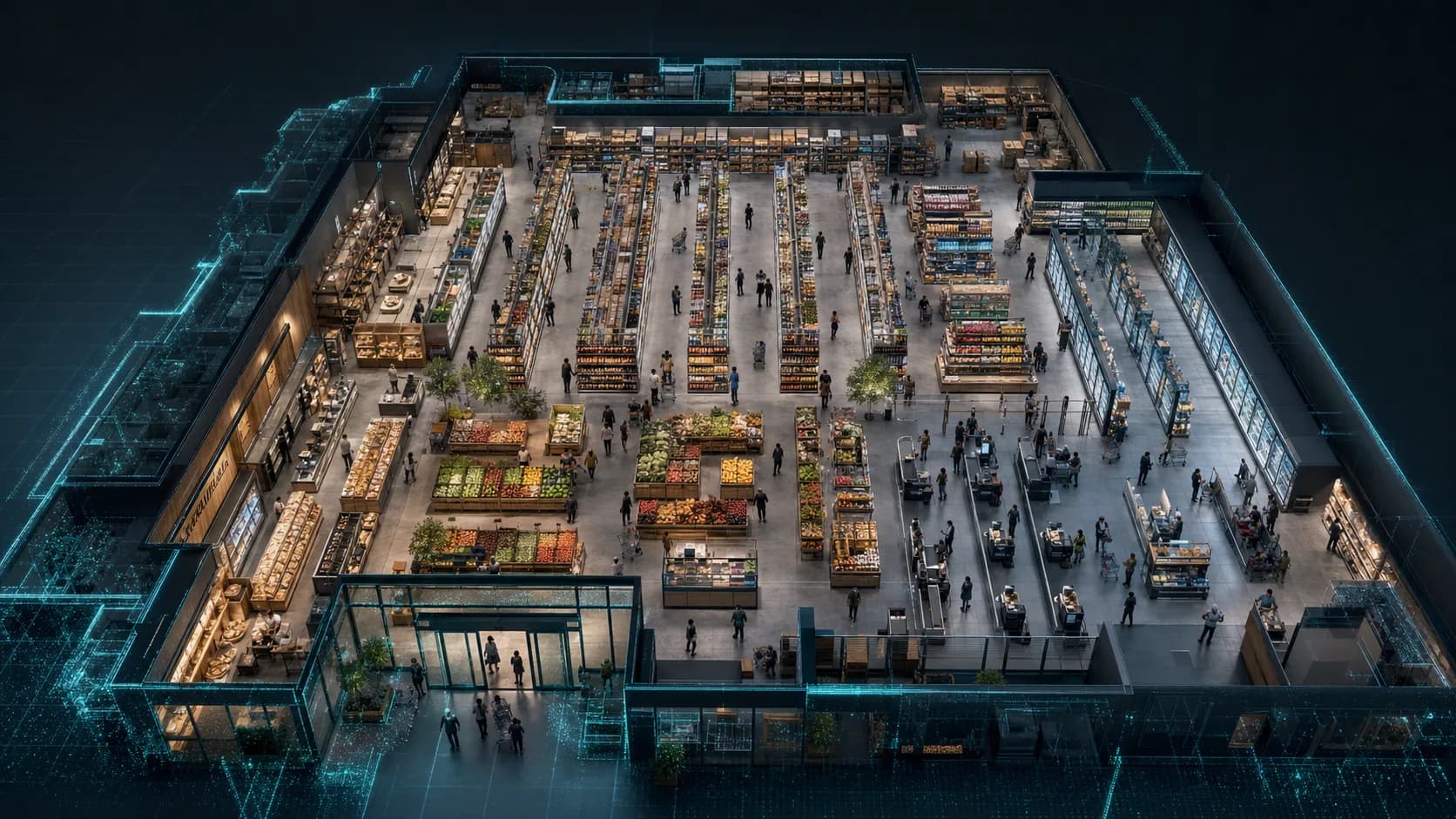
- Anonymous store journey
- Queue and waiting pressure
- Floor coverage by role
Build the store-flow view from camera-verifiable operating signals.
The list below is a starting point, not a metric ceiling. A useful KPI begins with the store area, operating condition, and decision your team needs to understand.
Traffic and store load
- Entry, exit, footfall, occupancy, and density
- Anonymous groups, peaks, zone dwell, and mapped movement
- Entrance distribution and first category reach
- A supporting 2D heatmap and a primary 3D operating map
Aisles and campaigns
- Aisle flow, category dwell, and physical journey drop-off
- Campaign and endcap attention in supported views
- Signage or promotion continuation to a named category
- Layout, display, store, region, and period comparison
Checkout and service
- Queue, estimated waiting, and configured thresholds
- Staffed and self-checkout area pressure where covered
- Role-level floor and checkout coverage
- Configured pilot conditions with location, duration, priority, and reviewed action
Context and comparison
- Physical continuation toward checkout
- Chain comparison under the same operating question
- Connected POS, inventory, planogram, cart, and schedule context
- Location-specific layout and operating recommendations for review
Where does configured store flow begin to wait or build pressure?
Keep the store fixed. Change the question to see whether flow first weakens at the entrance, a campaign zone, an aisle, floor support, or the checkout approach.
Where does configured checkout pressure become waiting?
Read arrivals to the checkout area, queue formation, estimated waiting, and nearby role-level coverage in the same physical view.
- Checkout arrivals
- Queue and estimated waiting
- Checkout-area load and role-level coverage
- 01Checkout approach
- 02Queue formation
- 03Waiting area
- 04Service point
Suitable views can read entry and exit, footfall, occupancy, density, dwell, anonymous groups, mapped movement, campaign or endcap attention, continuation to a named category, queue, estimated waiting, physical journey drop-off, and role-level team coverage.
POS, cart, inventory, supported shelf vision, planogram, and schedule systems confirm basket and SKU context, transaction and sale, stock and shelf state, plan compliance, replenishment records, and planned staffing when the operating question requires them.
The page does not identify shoppers, infer a basket or purchase from movement, or score an individual employee. Camera suitability and the supported view determine which zones and events can be read reliably.
Queue and estimated waiting remain above the configured threshold while available checkout coverage is limited.
Review opening capacity, balancing staffed and self-checkout support, or routing available team coverage.
Keep each store’s configured operating context distinct.
In a standard deployment, camera images are processed on the on-site Edge PC. Continuous raw video is not sent over the WAN. Required anonymous operational metadata may synchronize to the cloud so model weights can learn recurring entrance, aisle, category, coverage, and checkout patterns for this store.
Keeps recurring flow, waiting, coverage, and layout patterns specific to this location.
Layout and operating recommendations go to manager review. Nothing is applied automatically.
Stores are compared under the same operating question while every location-specific model remains separate.
Map the store-flow question you need to answer.
A Spatial Audit identifies usable views, blind areas, store zones, queue boundaries, live conditions, connected-system requirements, and the first operating question worth measuring.