
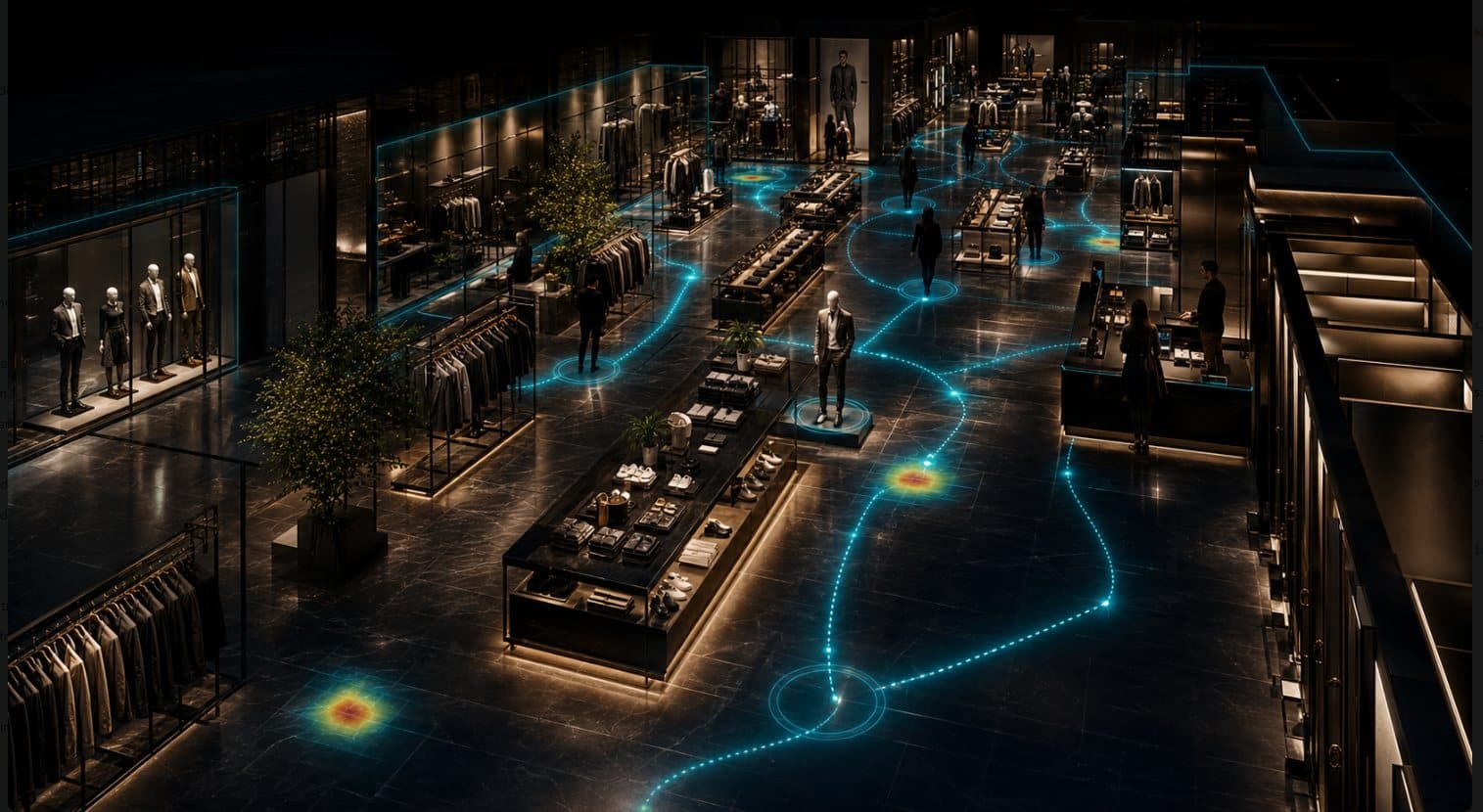
Build the fitting-journey view from camera-verifiable store signals.
This is a representative scope, not a fixed metric ceiling. A useful KPI starts with the areas and operating question that matter to your team.
Traffic and storefront
- Pass-by, entry, and exit
- Footfall, occupancy, and density
- Anonymous group visits and first stop
Collection and display
- Collection dwell and same-visit return
- Mapped anonymous routes and a supporting 2D heatmap
- Campaign material to linked collection continuation
- Layout and display comparison
Fitting and service
- Fitting-area approach and entrance boundary
- Outside-cabin queue, waiting, exit, and return path
- Team coverage and response by role
- Visitor-to-staff ratio by configured area
Journey and comparison
- Physical journey continuation and drop-off
- Fitting area to checkout continuation
- Location, region, and period comparison
- Comparable questions across a store network
Where does fitting-area waiting outpace visible team coverage?
Keep the physical store fixed. Change the question to see whether storefront traffic reaches a collection, where fitting demand starts to wait, and whether the journey continues.
Where does configured fitting-area waiting begin?
Without looking inside cabins, read the approach, outside-cabin queue, waiting, exit, and return path together.
Keep each store’s operating context distinct.
In a standard deployment, camera images are processed on the on-site Edge PC. Continuous raw video is not sent over the WAN. Required anonymous operational metadata may synchronize to the cloud so model weights can learn recurring journey, waiting, and coverage patterns for this location over time.
Keeps recurring collection, fitting, journey, waiting, and coverage patterns specific to this store.
Layout and operational recommendations go to manager review. Nothing is applied automatically.
Stores are compared under the same operating question while every location-specific model remains separate.